

热门主题

AltStore PAL 安装指南
By: WEEX
|
0
适用:身处日本境内,且持有当地 Apple ID 的用户。
步骤一:安装 AltStore PAL
- 在 iPhone 上使用 Safari 浏览器访问 altstore.io。
滑动至页面底部点击 Download。
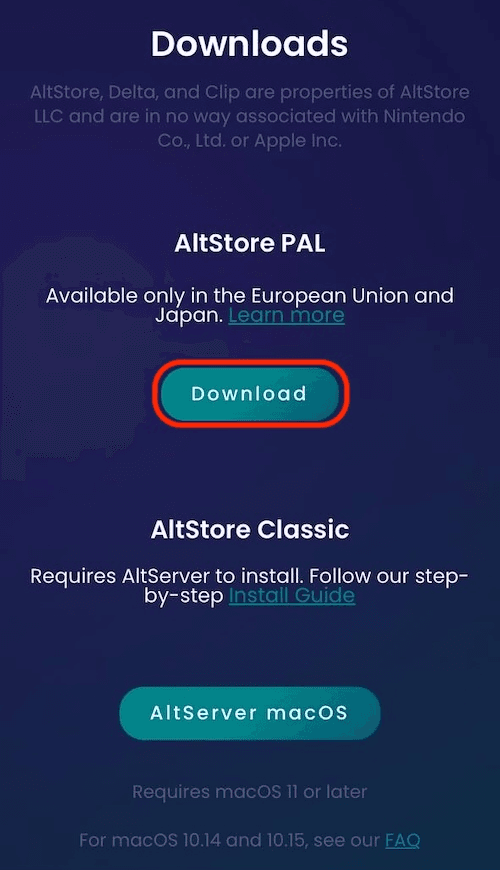
- 若弹出安全拦截,请前往设置 -> 允许来自 AltStore 的安装进行授权。
返回 Safari 再次点击 Install,AltStore 将出现在主屏幕。
步骤二:安装 WEEX
安装好 AltStore 后,请执行以下步骤以获取 WEEX App:
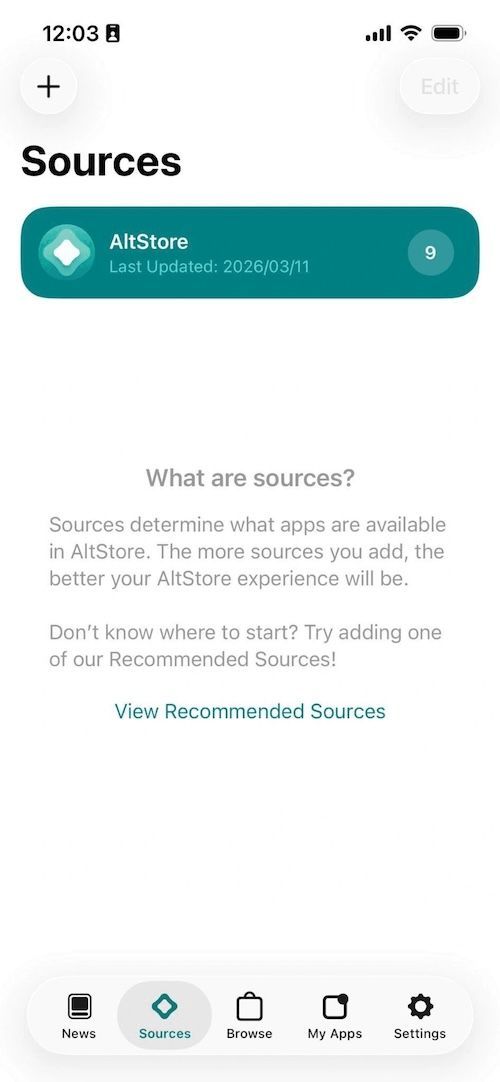
点击页面上的 + 按钮,手动在 AltStore 里输入源地址:https://weexadp.github.io/altstore/alt
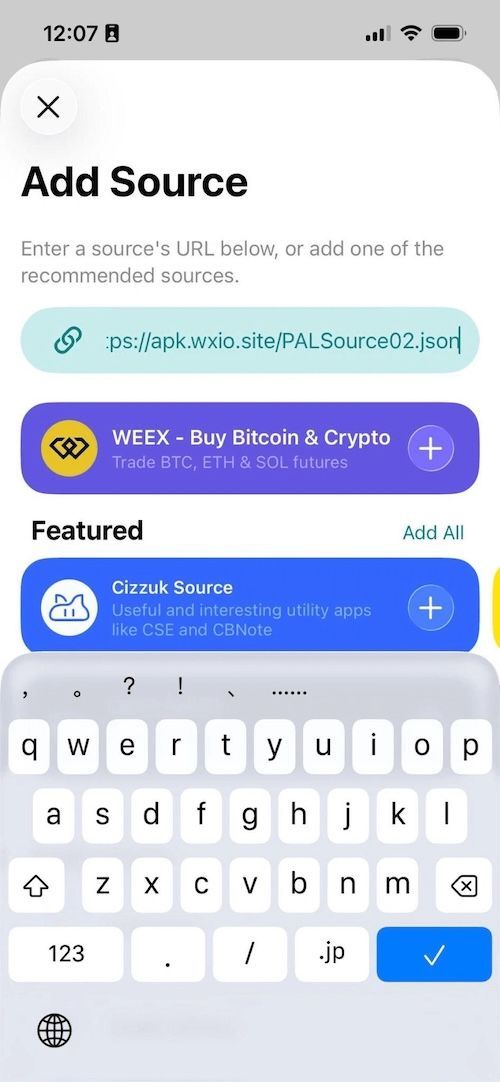
输入源地址后,系统会检索到 WEEX App,点击 + 号添加。添加后,会出现如下所示的弹窗。
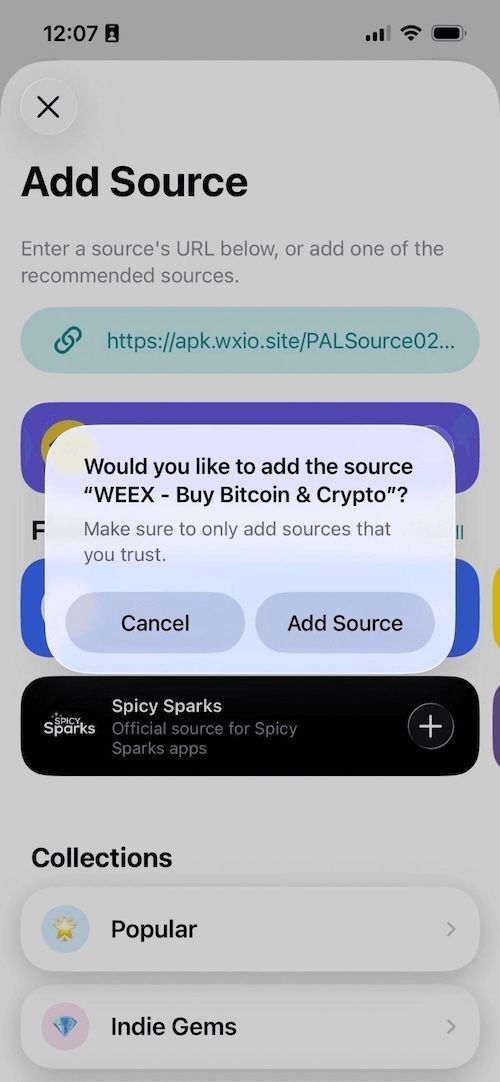
点击 Add Source 后进入 App 详情页面,再点击 Free 进行安装。

成功安装后,点击 OPEN 就可以使用了。

相关文章
分享


