


How to Contact WEEX Support and Submit a Request
How to Contact WEEX Support and Submit the Right Information
If you encounter any issues or doubts on WEEX that you cannot resolve, please follow the steps and Join WEEX Official Telegram Customer Service:
If you encounter any issues or doubts on WEEX that you cannot resolve, please follow the steps and Join WEEX Official Telegram Customer Service:
- Download and install the Telegram app.
- Chinese Service: @weikecs
- English Service: @weexencs
Or, you can use WEEX AI customer service in the lower right corner of WEEX web page to find a live customer service agent.
WEEX AI customer service
Check here to know more about us and how to trade on WEEX. Visit WEEX Learn to explore the world of cryptocurrency.
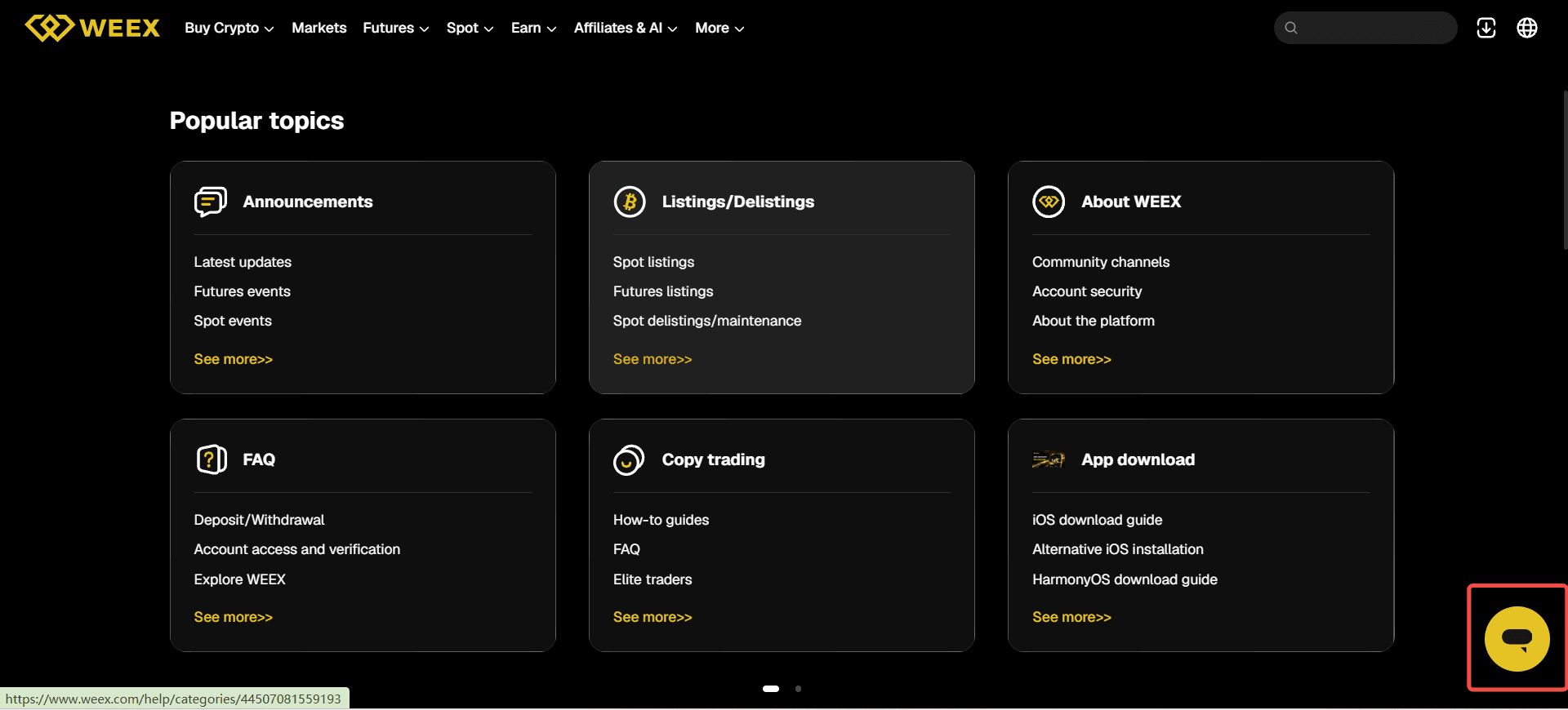
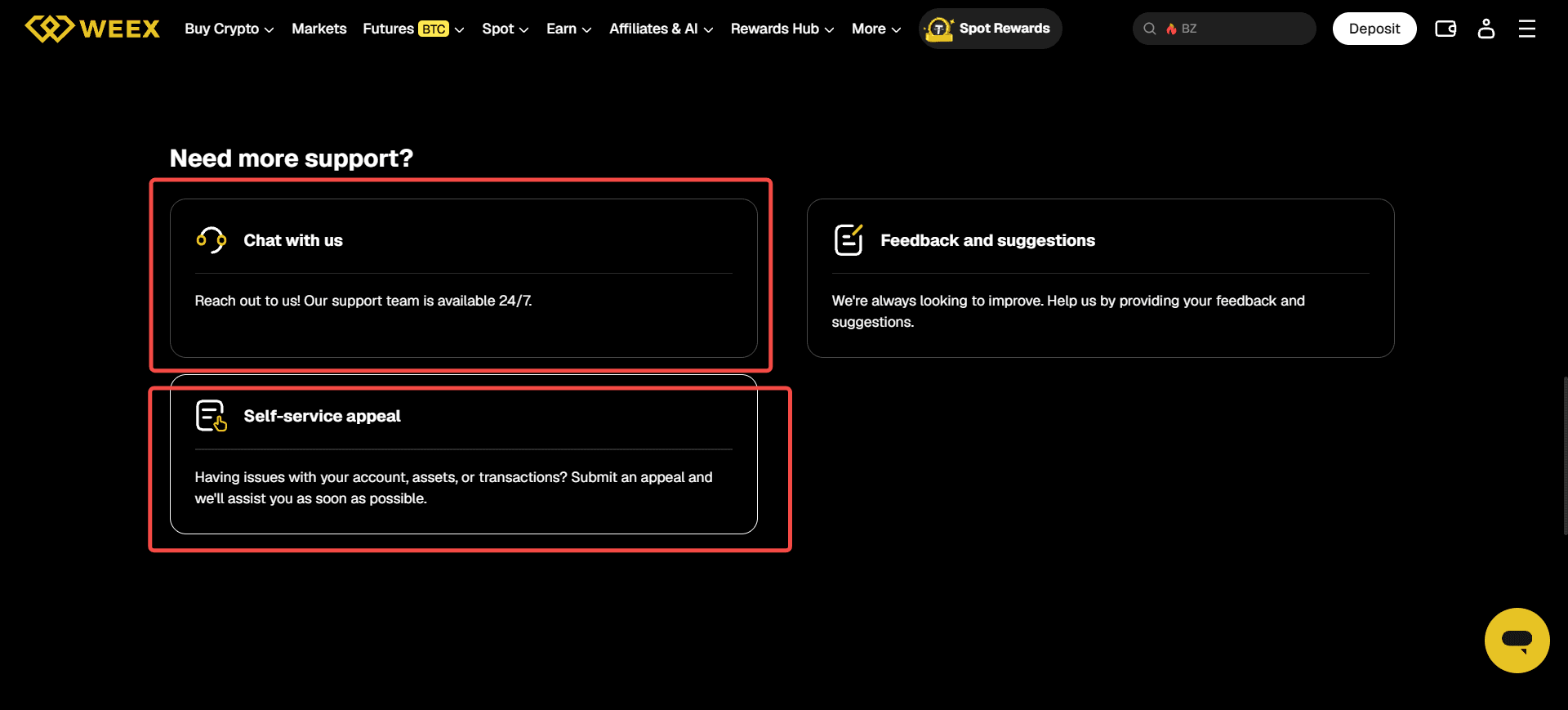
If you need help with a WEEX account, deposit, withdrawal, trade, or P2P order, start at the WEEX Help Center. You can use its chat option or submit an appeal for an account, asset, or transaction issue. In your request, describe what happened, provide the relevant account or transaction identifier, and attach screenshots that show the problem. Never send your password, verification codes, private keys, or API secret.
A useful support request lets the team identify the affected account, find the specific event, and understand what you have already checked. You do not need to diagnose the cause yourself. Clear facts and the right records are more helpful than a guess.
Where Can You Contact Official WEEX Support?
| Route | When to Use It | Where to Start |
|---|---|---|
| Help Center chat | You need guidance, cannot identify the right process, or have an urgent account concern. | Open the Help Center and select Chat with us. |
| Self-service appeal | Your issue concerns an account, assets, or a transaction and an applicable appeal option is available. | Select Self-service appeal in the Help Center and follow the prompts. |
| WEEX website or app support | You are already signed in and need help with something shown in your account. | Use the support entry on the WEEX website or the headset icon on the app home screen. |
| P2P order appeal | A dispute concerns a specific P2P transaction. | Open that order and follow the WEEX app P2P appeal instructions. |
If you are unsure which route applies, begin with Help Center chat and explain the issue. WEEX also has a guide to contacting customer support that identifies its website and app support entries.
Check the channel before sharing account information. If someone contacts you through a message, email, or social account claiming to represent WEEX, use the WEEX Contact Verifier to check the contact. Open the official site yourself rather than following an unexpected link.
Which Support Route Fits Your Problem?
Choose the route closest to the event you want WEEX to investigate. If the issue spans several events, lead with the first event and list the others in time order.
| Problem | First Useful Details | Suggested Route |
|---|---|---|
| Cannot sign in or complete verification | Account UID if known, login method, exact error, time of the attempt, and whether you can access your registered contact method | Help Center chat or an applicable account appeal |
| Suspected unauthorized account activity | When you noticed it, unfamiliar login, order, API activity, or withdrawal records, and whether you can still sign in | Contact official support promptly and request help securing the account |
| Deposit missing or delayed | Asset, network, amount, sending platform or wallet, destination address, time sent, and transaction hash (TxID) if available | Help Center chat or an applicable asset or transaction appeal |
| Withdrawal failed, pending, or sent to an incorrect address | Asset, network, amount, WEEX withdrawal record or order ID, status, time submitted, and TxID if one exists | Help Center chat or an applicable transaction appeal |
| Spot or futures order question | Trading pair, order ID, order type, side, time, displayed status, and the specific result you want clarified | Help Center chat |
| P2P payment or release dispute | P2P order ID, order status, payment record, relevant conversation, and a clear timeline | Appeal through the affected P2P order |
These are preparation categories, not a claim that every label appears as an option in the support interface. Follow the choices displayed in your account.
What Information Should You Include in a WEEX Support Request?
Start with a short description of the problem, then give support enough information to locate it. A practical request includes:
- Account identifier: Your WEEX UID, if you can access it. If you cannot, explain which registered contact method you used without posting that information publicly.
- Issue and expected result: State what you attempted, what you expected, and what actually happened.
- Time: Give the date, approximate time, and time zone. A time zone helps distinguish similar events in account records.
- Relevant identifier: Include an order ID, withdrawal record, P2P order ID, or on-chain TxID where applicable. These identify different things; use the one that matches your issue.
- Transaction details: Provide the asset, amount, network, and trading pair when relevant.
- Exact message or status: Copy the error wording or attach a screenshot showing it.
- Actions already taken: Note whether you retried, checked the selected network, reviewed the transaction status, or submitted an earlier request.
For example, a deposit inquiry can be written like this:
My USDT deposit sent on [date and time, time zone] has not appeared in my WEEX account. I selected [network] and sent [amount] USDT to the deposit address displayed in my account. The sending platform shows [status]. The TxID is [hash]. I have attached the sending record and a screenshot of my WEEX deposit history. Please help me check the deposit status.
Replace the bracketed fields with your own facts. If you do not have a TxID yet, say so; do not invent one or substitute an unrelated order number.
How Should You Prepare Screenshots and Records?
Attach screenshots that answer a specific question: What did the interface show, which transaction was involved, and when did the event happen? Usually, a small number of focused images is clearer than a long recording of unrelated account pages.
For an error, capture the full error text, the page or action that produced it, and any visible status. For a transfer, capture the sending platform’s transaction record and the corresponding WEEX history entry if available. Keep the transaction hash, network, asset, amount, and timestamps readable when they matter to the investigation.
Before uploading, remove unrelated personal information and check every corner of the image. Do not submit your password, one-time verification code, 2FA recovery code, private key, seed phrase, or API secret. An official representative should not need these to investigate a support request. If an official verification process specifically asks for identity documents or other sensitive account evidence, provide it only through the designated official process, not a public post or unsolicited private message.
What Should You Send for a Deposit or Withdrawal Issue?
For a deposit, first distinguish between “the sending platform has not sent it” and “the transfer has a TxID but is not yet reflected in WEEX.” In the second case, send the asset, network, amount, address, TxID, and both platforms’ displayed statuses. The WEEX deposit confirmation guide helps you check whether the transfer has reached the required network confirmation stage.
For a withdrawal, include the status shown in WEEX withdrawal history. If a TxID is displayed, include it so the on-chain transfer can be distinguished from a request that has not yet been broadcast. If an address may be incorrect, contact support promptly and state that clearly; the available next steps depend on the withdrawal’s current status. The WEEX withdrawal delay guide explains the records that help identify where a transfer is held up.
Do not send another transfer solely to “fix” the first one unless an official support process explicitly instructs you to do so. Keep each transaction’s identifiers separate in your request.
What If Your Account May Be Compromised?
If you see an unfamiliar login, order, API action, or withdrawal, contact WEEX through an official support entry immediately. State that you suspect unauthorized activity and ask the team to review and, where available, restrict affected account or asset operations. Do not wait until you have assembled a perfect set of screenshots.
If you can safely access your account from a trusted device, review your password, registered email security, 2FA, API keys, and withdrawal history. Record the times and identifiers of unfamiliar events. If you cannot sign in, tell support that at the start of your request. Never disclose recovery codes or secret credentials as “proof” that the account is yours.
How Should You Follow Up on an Existing Request?
Keep the reference number or conversation record from your first contact. When you have a material update, such as a newly available TxID, a changed withdrawal status, or another unauthorized event, add it to the existing case where the interface allows. Explain what changed and when.
Avoid opening multiple requests for the same event unless the official process directs you to do so. Separate cases can make the timeline harder to follow. WEEX lists support as available around the clock, but the time required to resolve a particular issue depends on the evidence, the transaction state, and any review needed.
WEEX Editorial View
The fastest way to make a support request actionable is to identify one account, one event, and one clear question. Start through an official WEEX channel, provide the identifiers that locate the event, and keep credentials out of the conversation. For urgent security concerns, contact support first and add supporting records as soon as you can.
FAQ
1. How Do I Contact WEEX Support If I Cannot Log In?
Open the official WEEX Help Center directly and use its chat or the applicable account appeal option. Explain that you cannot sign in, provide your UID if known, and include the exact error and time of your attempt. Do not send your password or verification codes.
2. What Should I Include When Reporting a Missing Deposit?
Provide the asset, network, amount, sending time, sending platform or wallet, destination address, and TxID if available. Include a screenshot of the sending record and the relevant WEEX deposit history. If the sender has not produced a TxID, explain that status.
3. Should I Send My ID Document to Someone Claiming to Be WEEX Support?
Do not send identity documents through an unsolicited private message. If an official account recovery or verification process requires documents, follow its designated submission instructions after confirming you are on an official WEEX channel.
4. Can WEEX Support Help With a P2P Payment Dispute?
Use the appeal process attached to the relevant P2P order and provide the order ID, payment evidence, conversation record, and timeline. Keep communication and evidence within the official process.
5. What If I Already Contacted Support but Have New Information?
Update the existing request when possible. Add the new transaction hash, status, screenshot, or event time and explain how it relates to the original issue. Keep the case reference so support can follow the same timeline.
Recommended Articles

Gainers


